Plex Media Server

A ton of content, ready when you are.
 Verity
 The Dog Stars
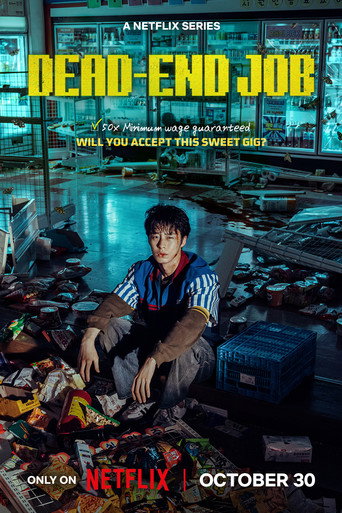 Dead-End Job
 Clayface
 Lupin
Lupin
 Apocalypse Z: New World
 Forgotten Island
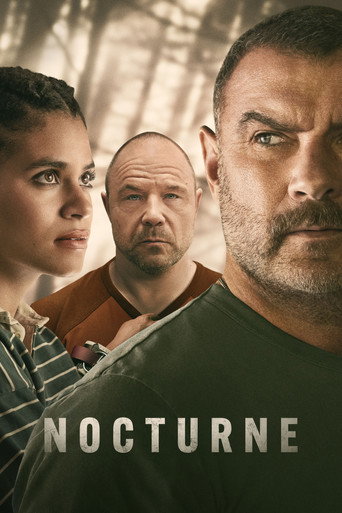 Nocturne
 Dexter: Resurrection
 Wildwood
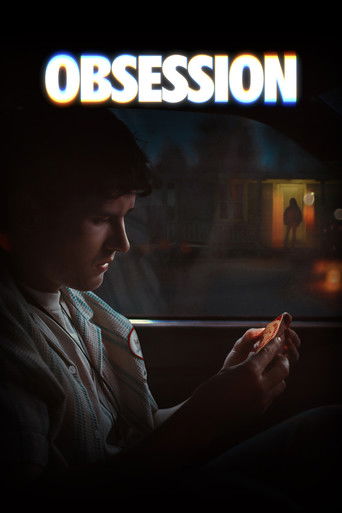 Obsession
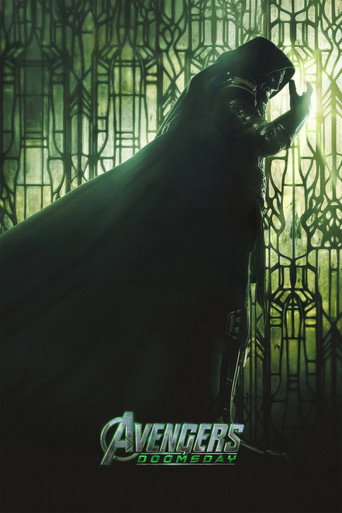 Avengers: Doomsday
 MobLand
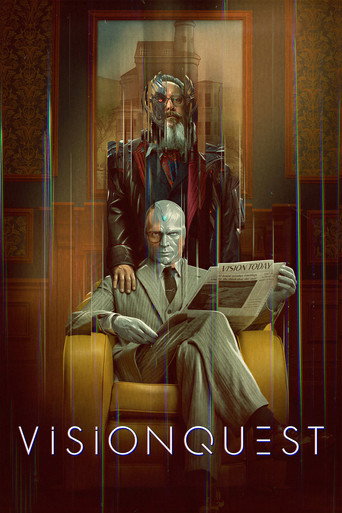 VisionQuest
 Ali G: Who Iz I?
 Crystal Lake
Verity
The Dog Stars
Dead-End Job
Clayface
Lupin
Apocalypse Z: New World
Forgotten Island
Nocturne
Dexter: Resurrection
Wildwood
Obsession
Avengers: Doomsday
MobLand
VisionQuest
Ali G: Who Iz I?
Crystal Lake
Crystal Lake
Verity
The Dog Stars
Dead-End Job
Clayface
Lupin
Apocalypse Z: New World
Forgotten Island
Nocturne
Dexter: Resurrection
Wildwood
Obsession
Avengers: Doomsday
MobLand
VisionQuest
Ali G: Who Iz I?
Crystal Lake
MooseBoxx is a Plex server that has a ton of content available for you to watch. We have a large library of both movies and series.
Are we missing something that you want to watch? No problem — we have a site where you can request new content.
Get access to MooseBoxx
-
Create a Plex account
Create a Plex account. You can choose to sign up using your Apple, Google, or Facebook account to make it easier. You don't need to purchase a Plex Pass to use MooseBoxx.
-
Send me your username
Go to your Profile in Plex to find your username or email. Send your favorite person in the world a text message with that information. If you know me, you know how to reach me 😃
-
Watch for the invite
Wait for me to add your username or email to the server. You'll receive an email from Plex when you've been added — follow the instructions in the email to add the server to your Plex account.
-
All done!
You're all set! Download the Plex app on your favorite device and start watching.
It's super easy to request new content
MooseBoxx has made it super easy to request new content. Head to the request site and log in with your Plex account. You can then search for the content you want and request it. If available, it will be added to the server within 10 minutes.
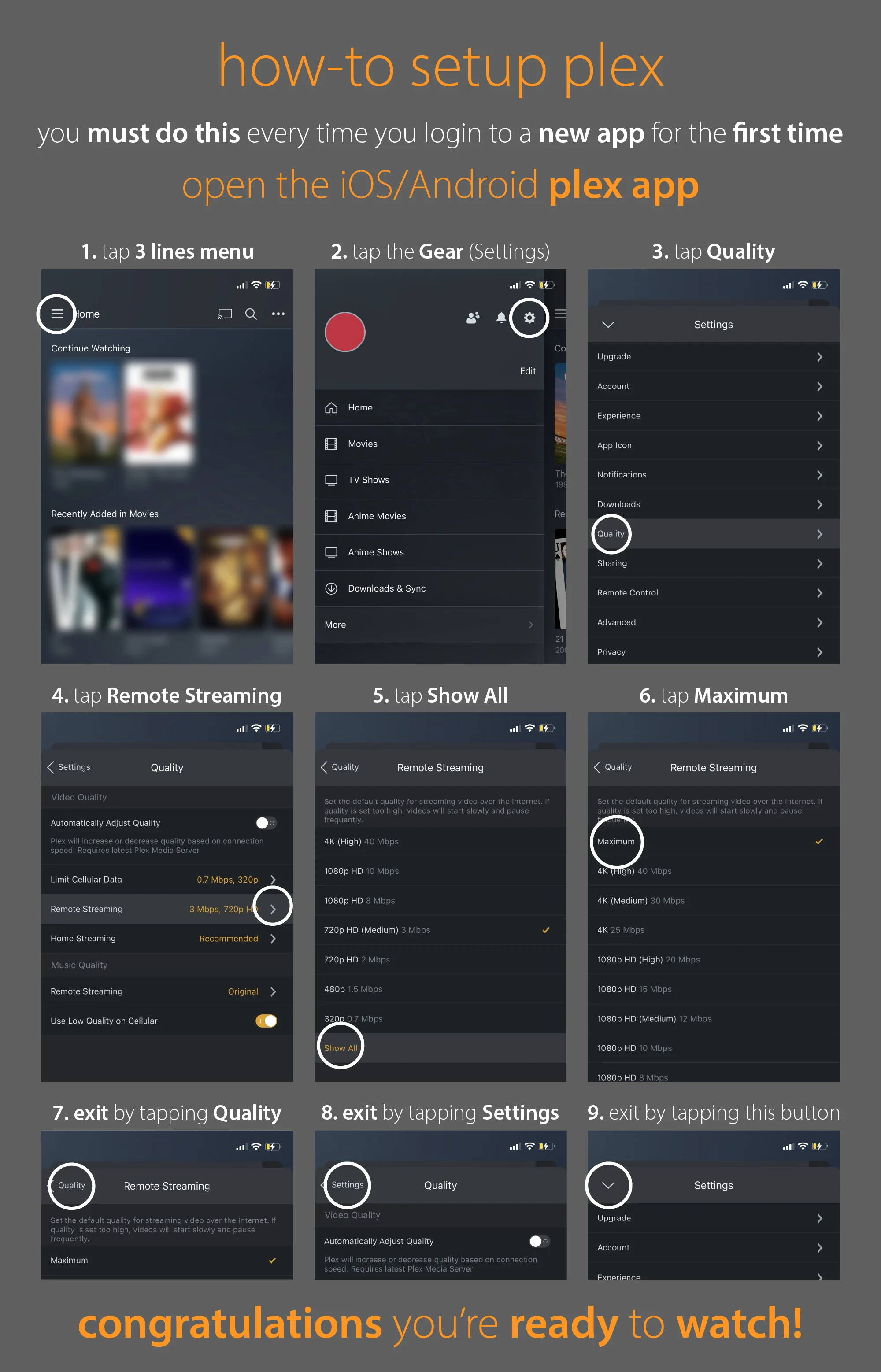
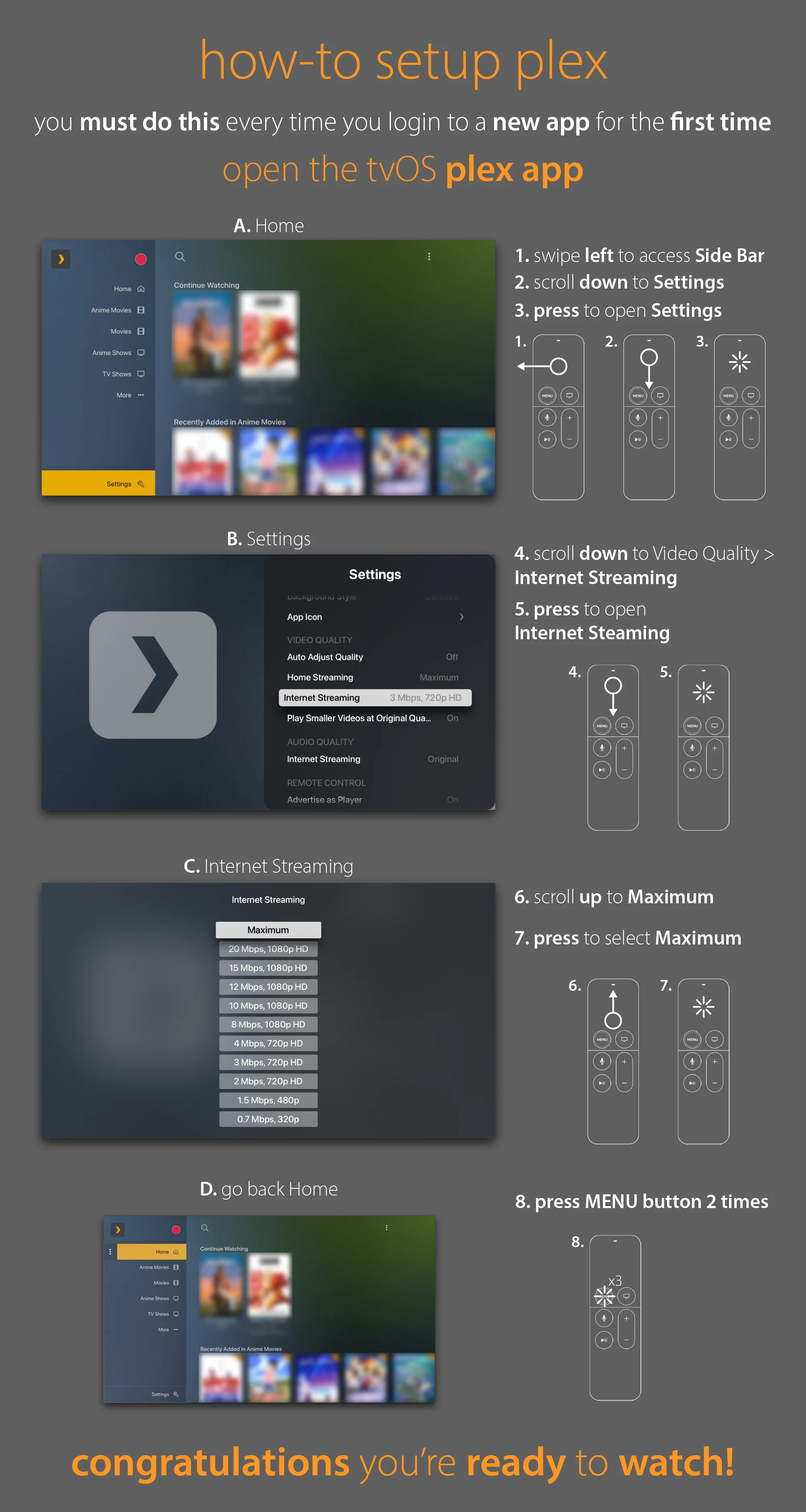
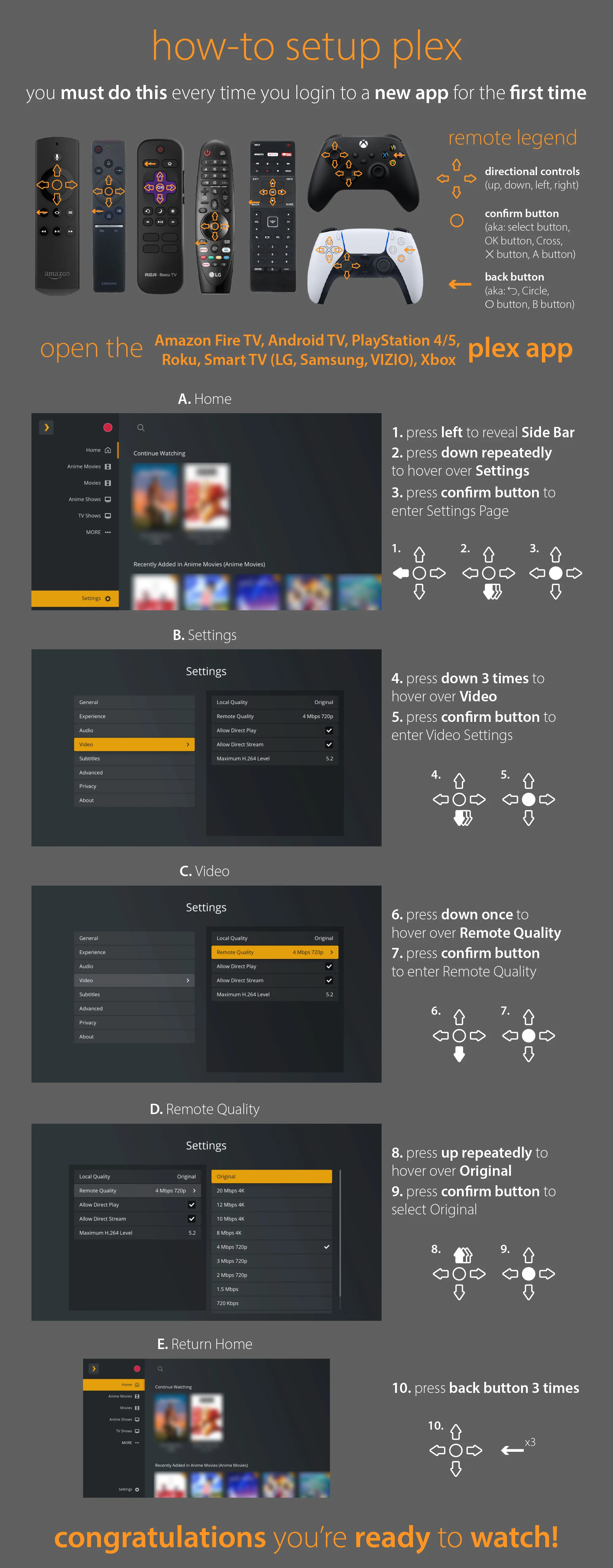
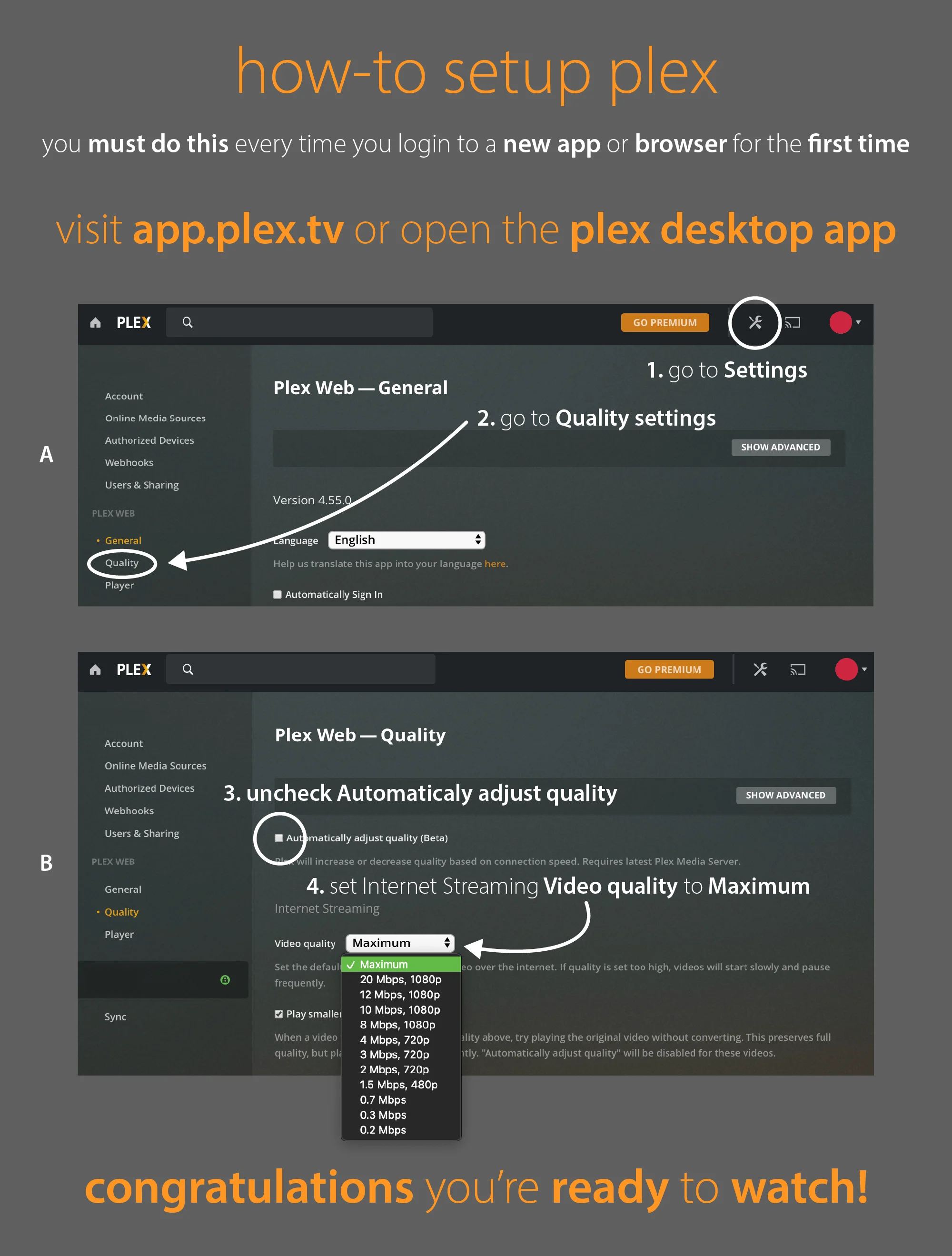
Request new contentOptimal settings for your device
We get that not everyone is a tech wizard. To help you get the best experience possible, pick the device you watch on and you'll get a detailed guide on what settings to choose.